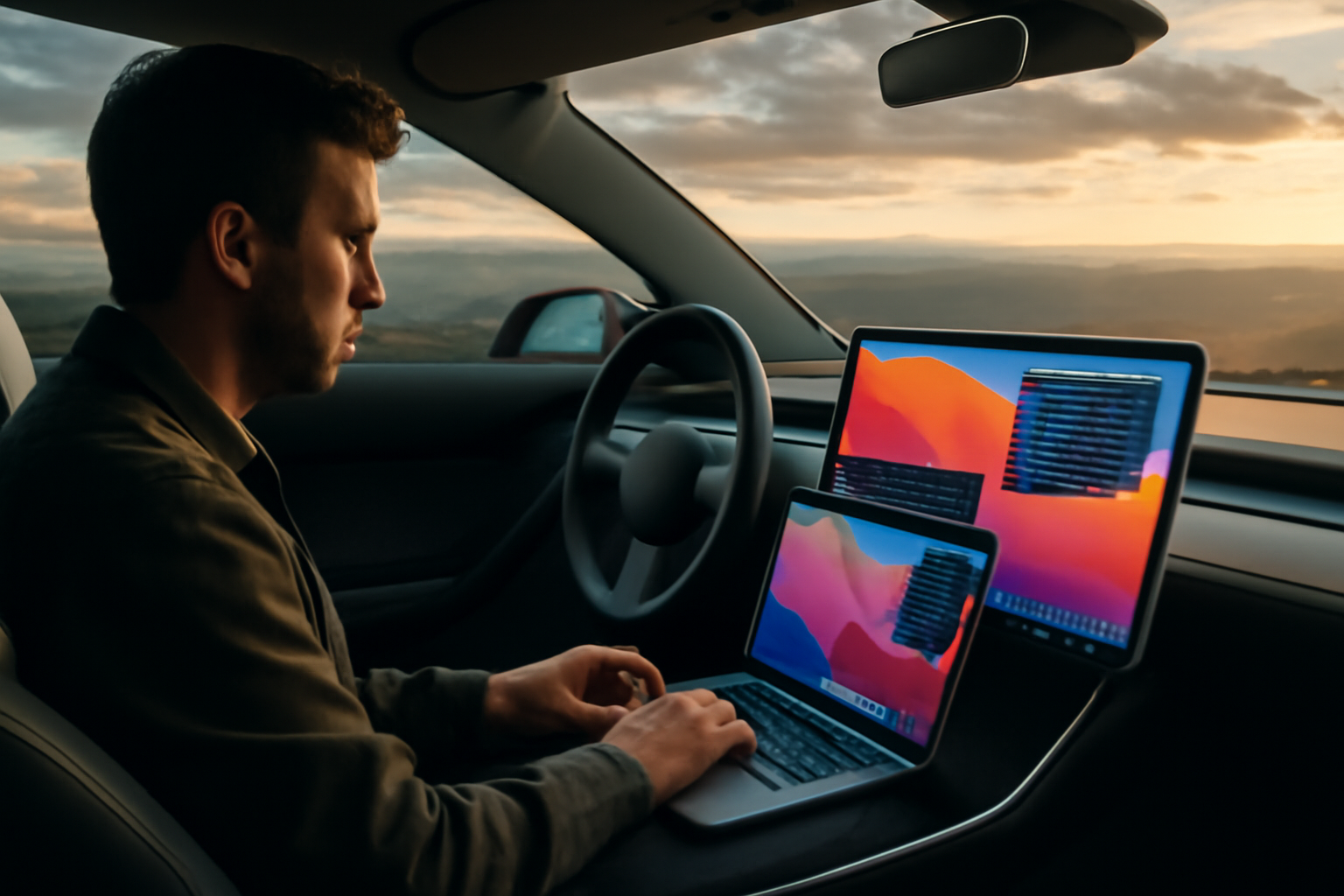
SideDisplay: Use Your Tesla as a Second Monitor for Mac
SideDisplay is an innovative application that transforms your Tesla's large touchscreen into a wireless second monitor for your Mac. Utilizing the Tesla Web Browser, this service allows users to extend their workspace seamlessly without the need for cables or physical modifications. Ideal for users with an Apple Silicon Mac running macOS 26 or later, SideDisplay offers a trial period of 30 minutes per day for free, after which it costs $10.99 per year for unlimited usage.
The installation process is straightforward. Users can connect their iPhone hotspot and enable Internet Sharing on their Mac, then launch SideDisplay and navigate to the provided URL in the Tesla web browser. With a latency of approximately 100 milliseconds, this setup delivers a smooth user experience, making it a practical solution for those who need a larger display option on the go.
This new functionality is particularly appealing for professionals or creatives who require additional screen space while traveling. As technology continues to evolve, applications like SideDisplay represent an exciting convergence of automotive and computing power, showcasing the potential for innovative use cases in modern vehicles.
Frequently Asked Questions
What is SideDisplay?
SideDisplay is an application that allows you to use your Tesla's touchscreen as a second monitor for your Mac.
What do I need to use SideDisplay?
You need an Apple Silicon Mac running macOS 26 or later to use SideDisplay.
Is there a cost associated with SideDisplay?
You can try SideDisplay for free for 30 minutes daily, or you can subscribe for $10.99 per year for unlimited access.
How can Metastic World help with software development?
Metastic World can assist with software development by providing consulting services, system design, and integration solutions tailored to enhance your technology projects.
Project Estimator
• Instant response • Free consultation